Vendor representative
Access PartnerView with email or mobile
Open the approved PartnerView route, use the email address or mobile number associated with your user profile, and complete the current one-time verification step.
Access steps
- Open the approved PartnerView URL.
- Choose the email or mobile method associated with your approved profile.
- Request one current code or access link.
- Use only the newest message and never share it.
- Contact program support if your role or contact information changed.
Example screens
These demonstration screens illustrate the workflow. Labels, fields, and availability may vary by program and production release.
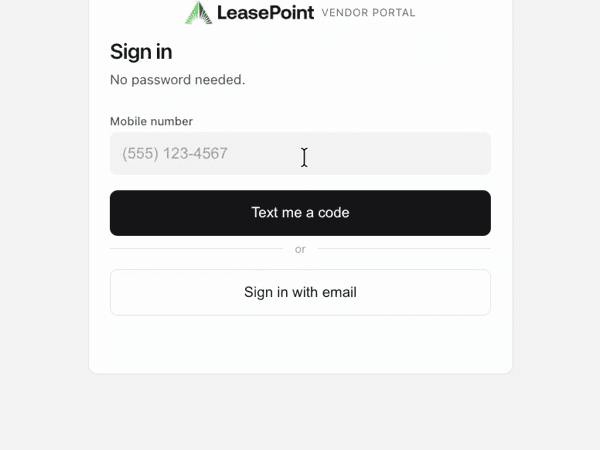

Use the secure experience for your actual information
This article provides general guidance. Your actual application, option, agreement, requirements, payment obligations, and account status may differ. Signed documents and secure account information control.
Need an account-specific answer?
Contact the right LeasePoint team
Choose a route without posting private application, bank, identity, or account information here.