Vendor representative
The connected buyer journey
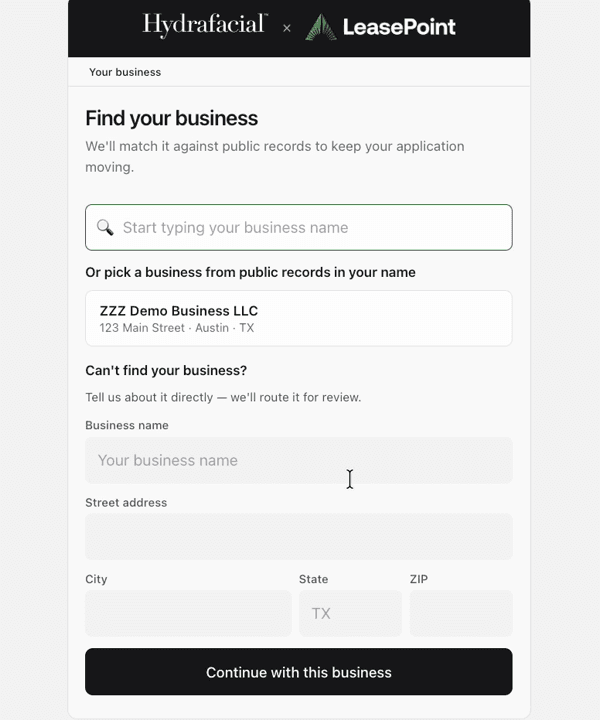
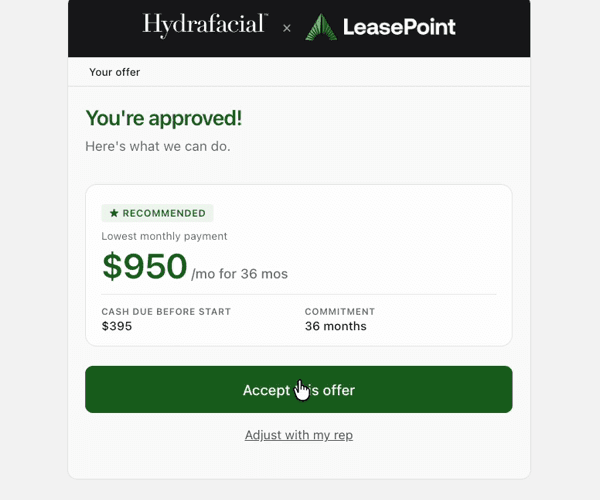
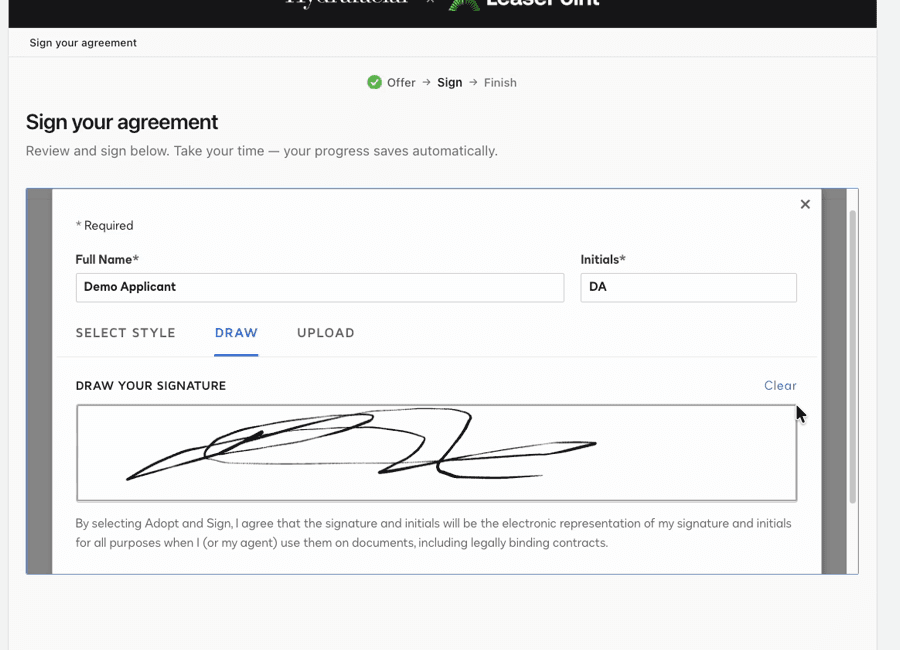
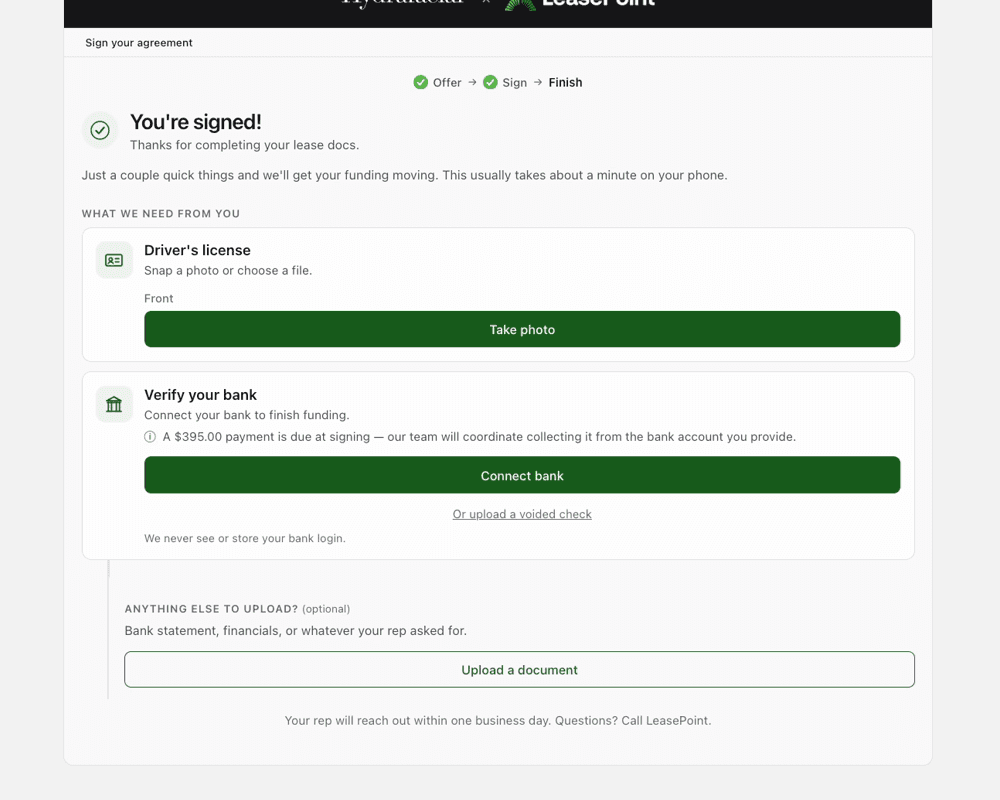
The buyer may confirm the business, review an available option, sign, and complete post-signing requirements in a separate secure path. PartnerView returns only the permitted operational context.
What to know
- Use the current secure LeasePoint experience for account-specific information and actions.
- Your actual program, application, documents, requirements, and signed agreement control.
- Contact LeasePoint when the secure experience and general guidance appear inconsistent.
Example screens
These demonstration screens illustrate the workflow. Labels, fields, and availability may vary by program and production release.

Use the secure experience for your actual information
This article provides general guidance. Your actual application, option, agreement, requirements, payment obligations, and account status may differ. Signed documents and secure account information control.
Need an account-specific answer?
Contact the right LeasePoint team
Choose a route without posting private application, bank, identity, or account information here.