Vendor representative
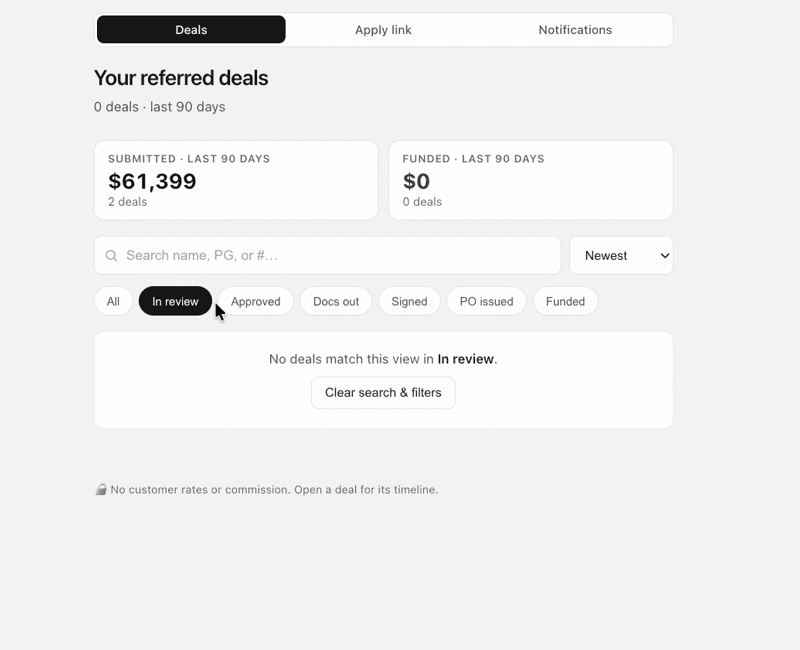
Search and filter deals
Clear filters, confirm spelling and date range, and check attribution before concluding that an expected deal is missing.
If a deal does not appear
- Clear all active filters.
- Search with the supported business name or deal identifier.
- Check the applicable date range.
- Confirm which representative or team owns the referral attribution.
- Escalate with the safe deal identifier; never create a duplicate application.
Example screens
These demonstration screens illustrate the workflow. Labels, fields, and availability may vary by program and production release.

Use the secure experience for your actual information
This article provides general guidance. Your actual application, option, agreement, requirements, payment obligations, and account status may differ. Signed documents and secure account information control.
Need an account-specific answer?
Contact the right LeasePoint team
Choose a route without posting private application, bank, identity, or account information here.